
 GenWorldAI
: The AI Video Generator for Cinematic Video Creation
GenWorldAI, the AI video generator, turns a text prompt and up to two images into cinematic text to video and image to video clips of 4, 8 or 12 seconds, up to 1080p, with sound.
AI Video Generator
Create amazing videos from text or images.
GenWorldAI Video Generator Gallery
Wuxia Sword Dance
Warrior woman in flowing red silk performing elegant sword fight atop misty mountains
Red Gown Ballroom
Woman in a red evening gown in a chandelier-lit ballroom, shot like a fashion editorial
Spacewalk
Female astronaut floating outside a space station with Earth glowing behind her
Hyperspace Captain
Starship captain jumping to hyperspace on a bridge full of holographic maps
Want to create your own AI videos with the GenWorldAI video generator?
Start Creating NowAll the AI Tools Inside the GenWorldAI Video Generator Platform
Text to Video
Generate cinematic videos from text prompts, with the scene, action and camera moves described in your own words.
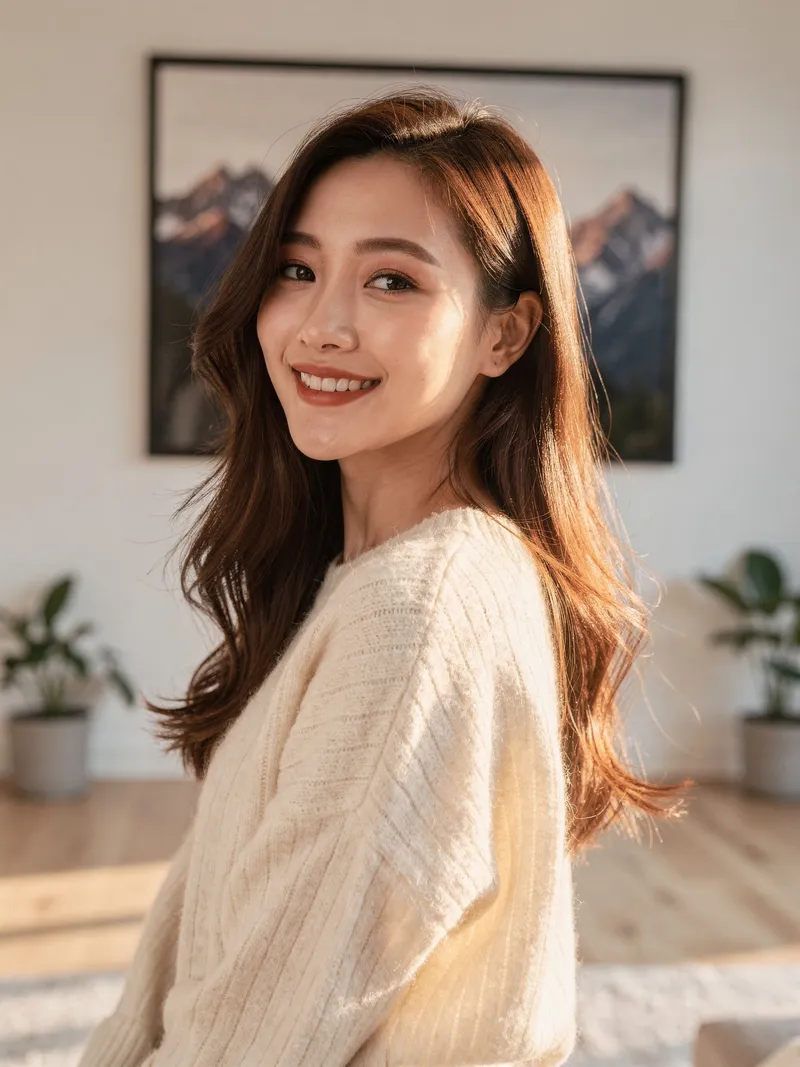
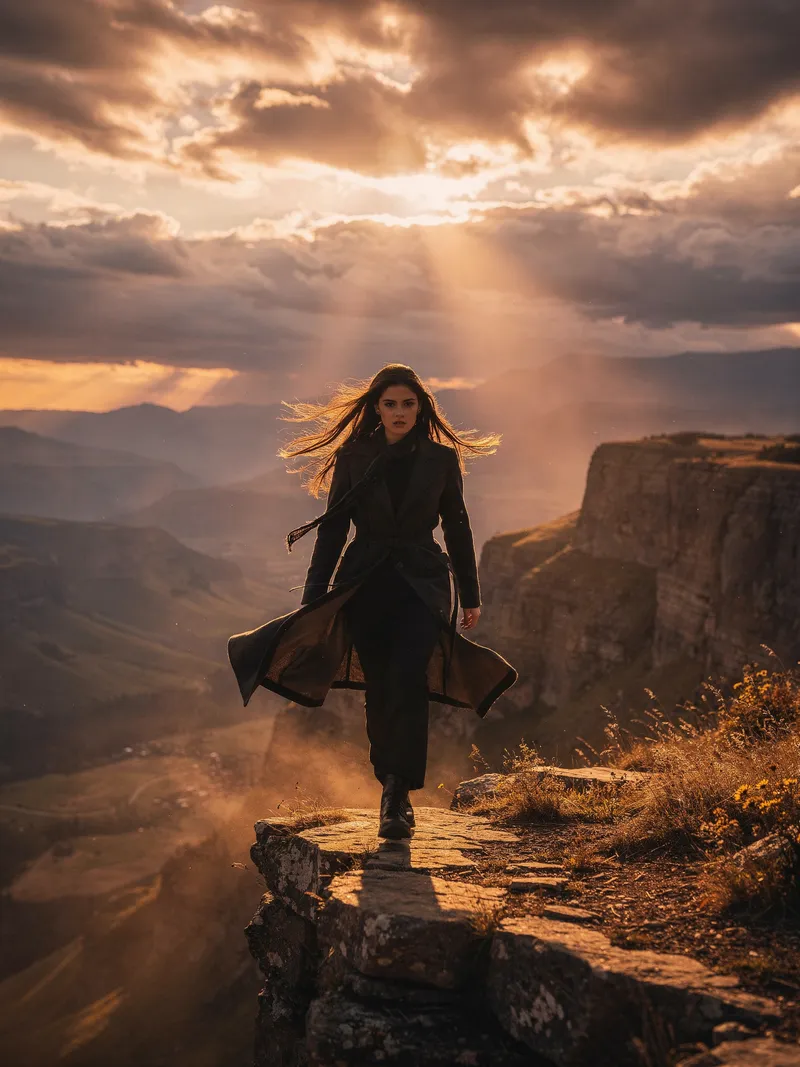
Image to Video
Animate one or two still images into a video, with the motion described in your prompt.
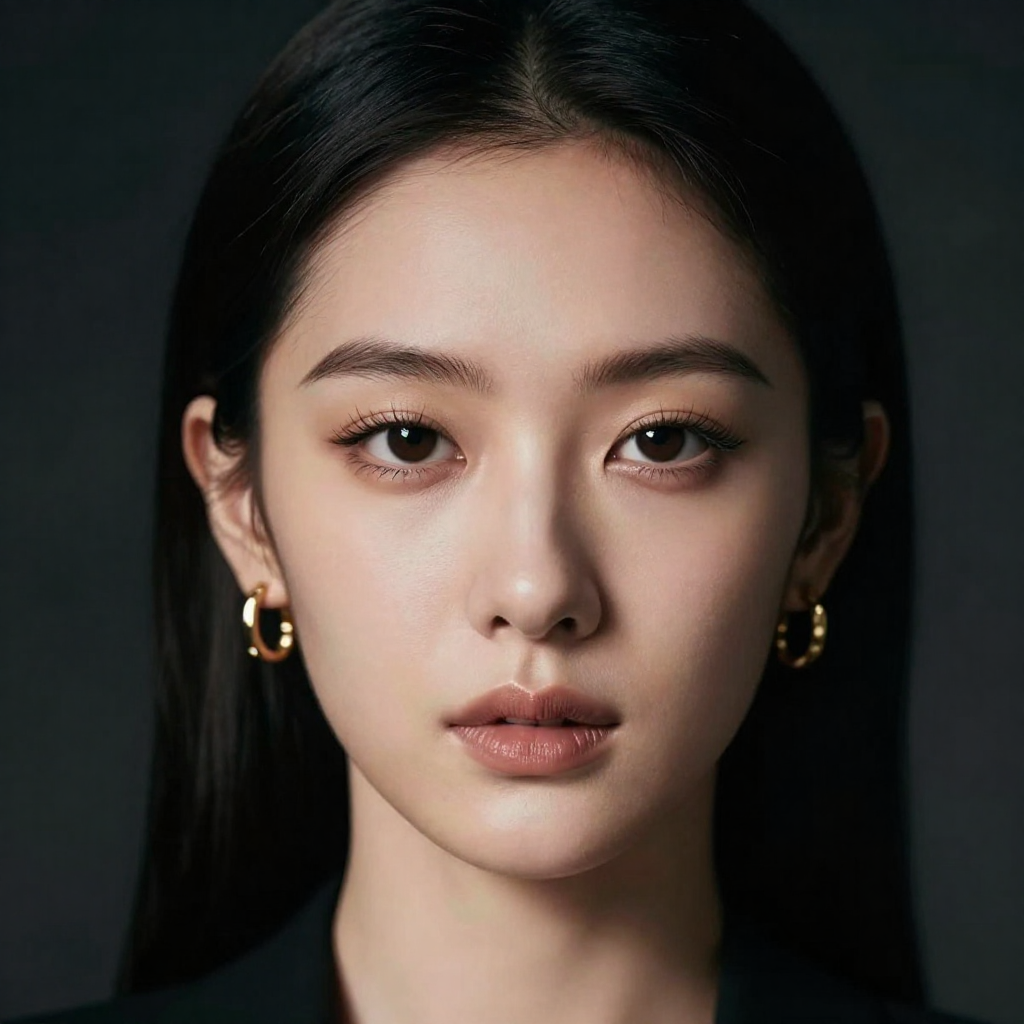
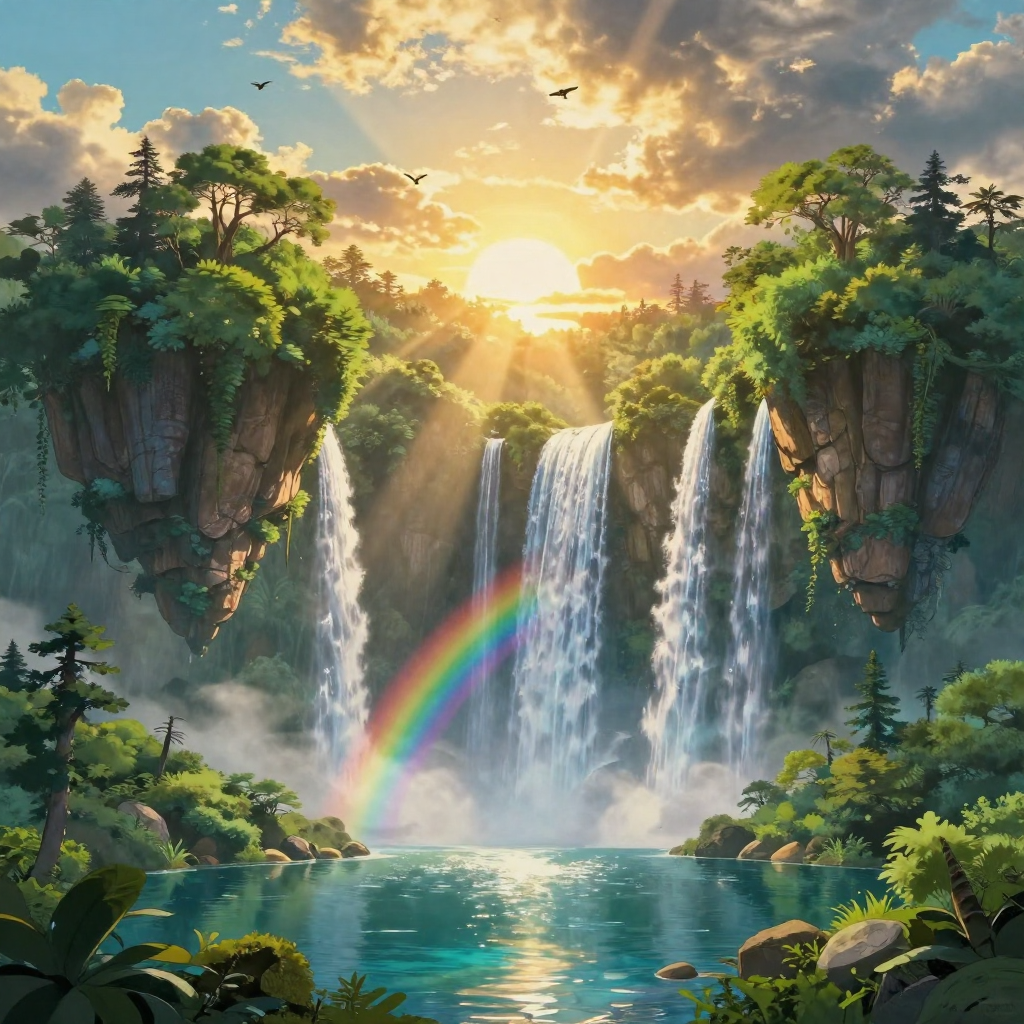
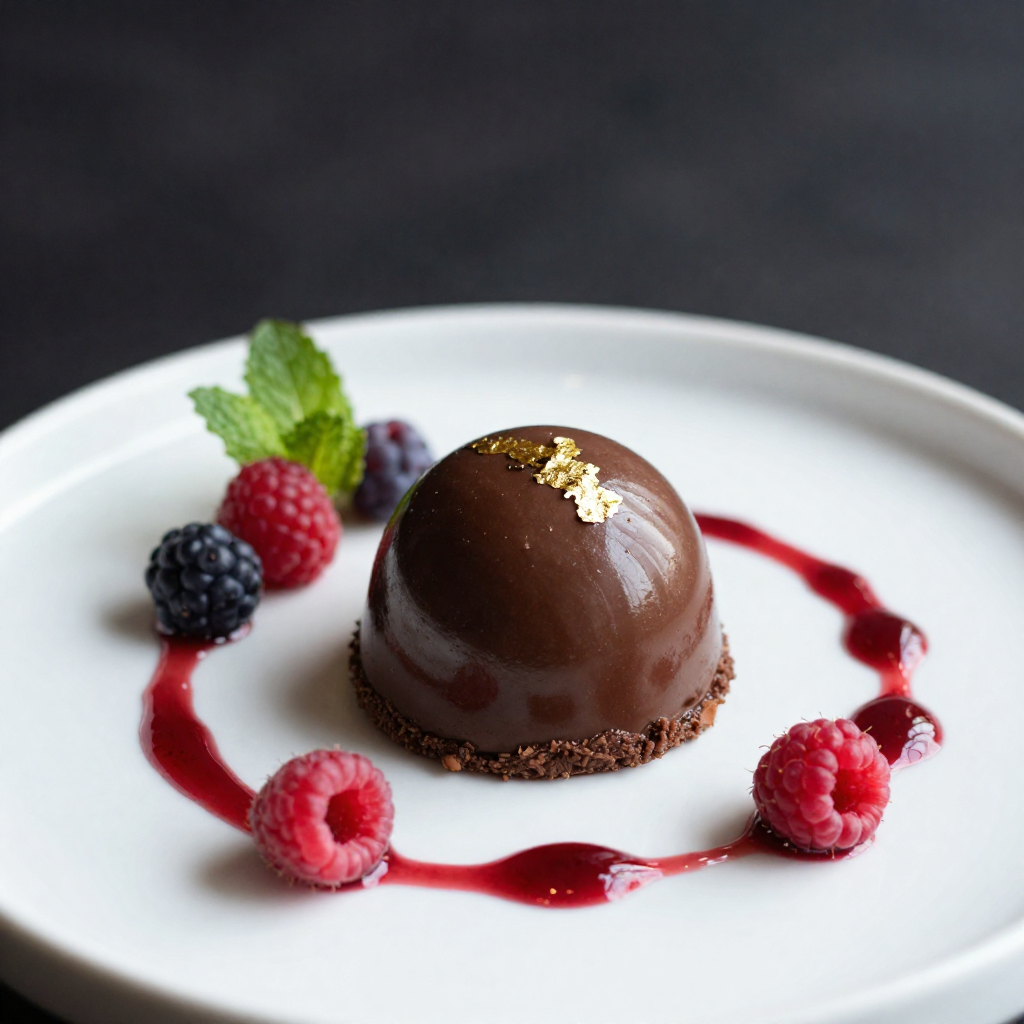
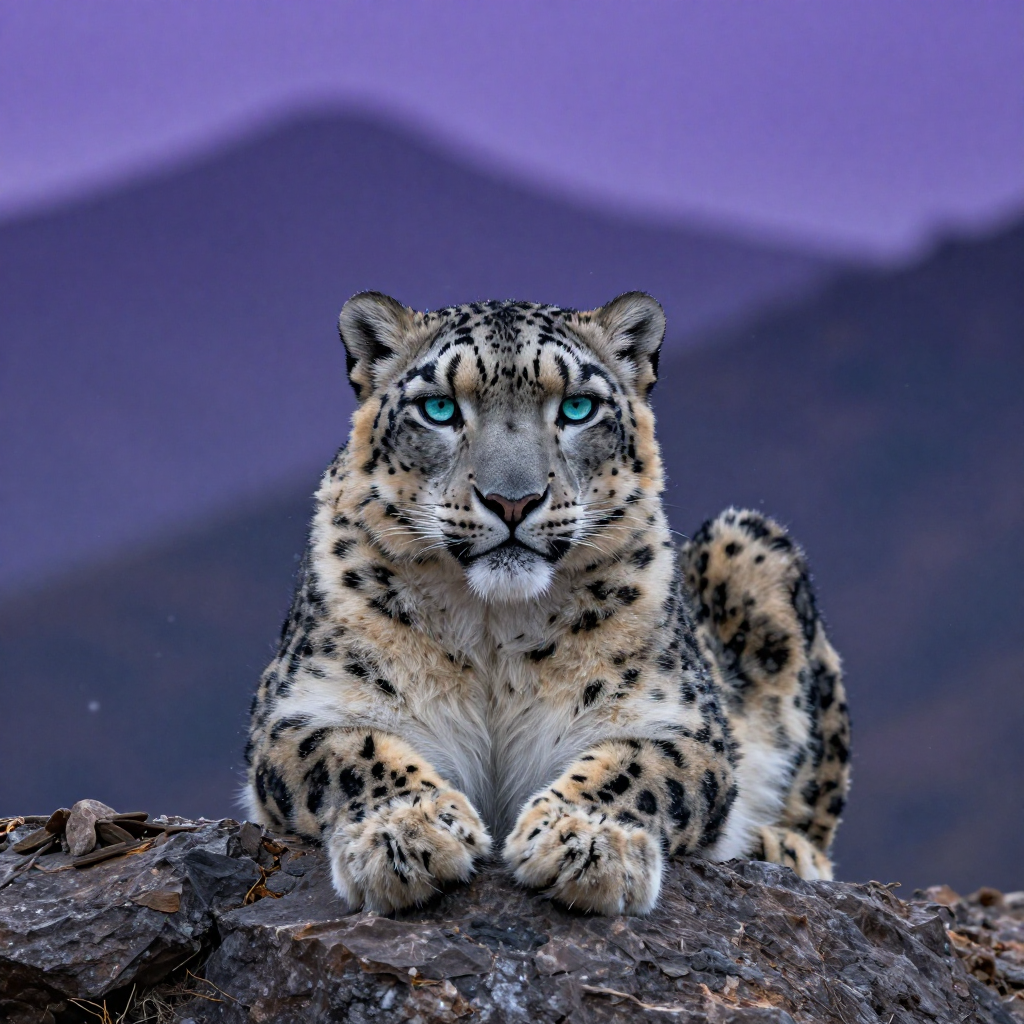
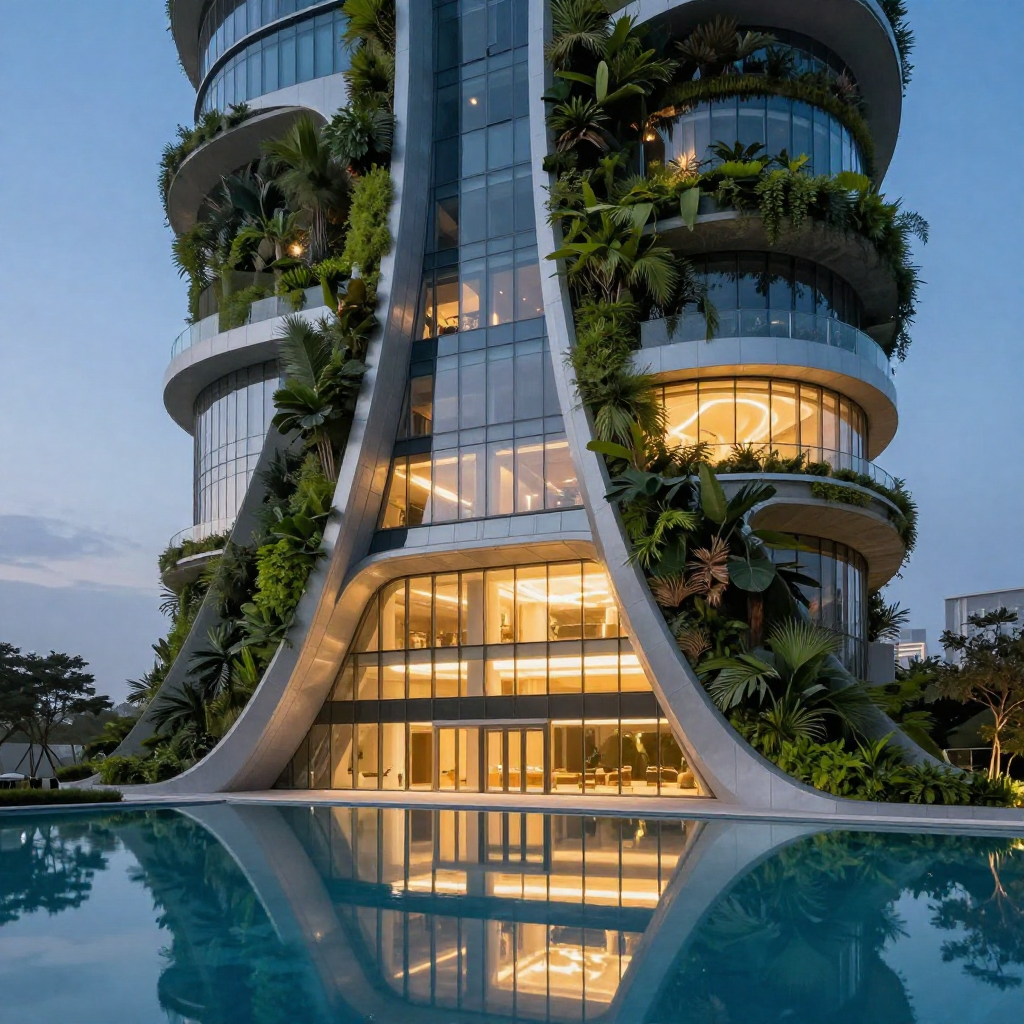

Text to Image
Create stunning, high-resolution images from text descriptions across multiple artistic styles.
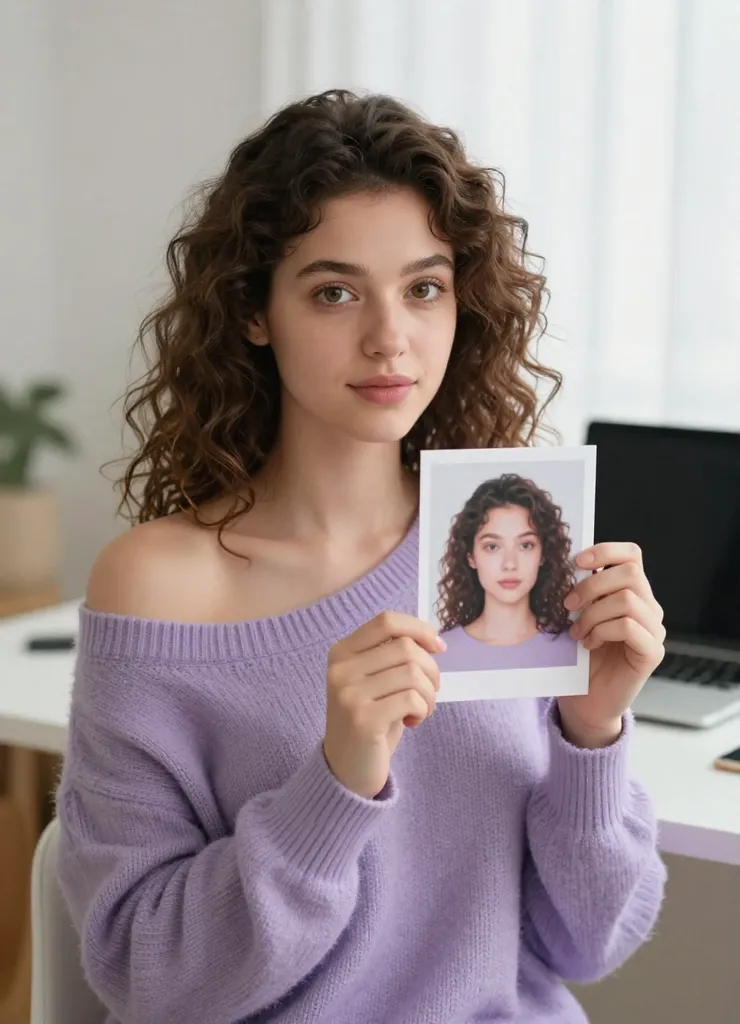
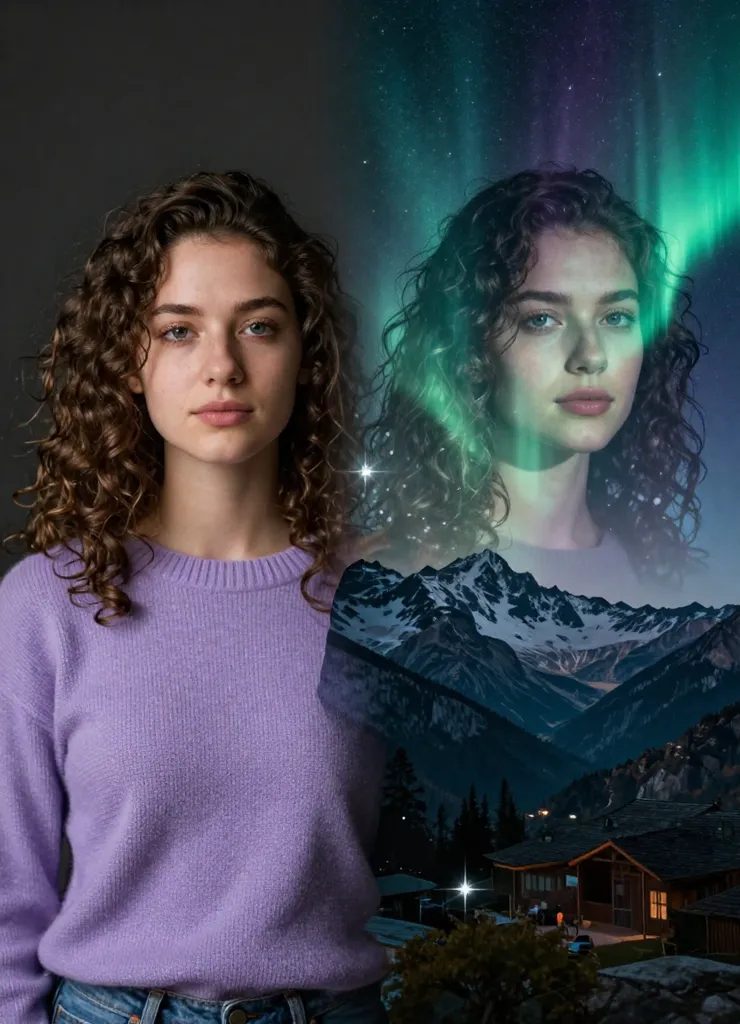
Image to Image
Transform and restyle your images with AI — change art style, enhance quality, or reimagine compositions.
Video Prompt Generator
AI-powered storyboard prompts with professional camera language, timeline, and sound design.
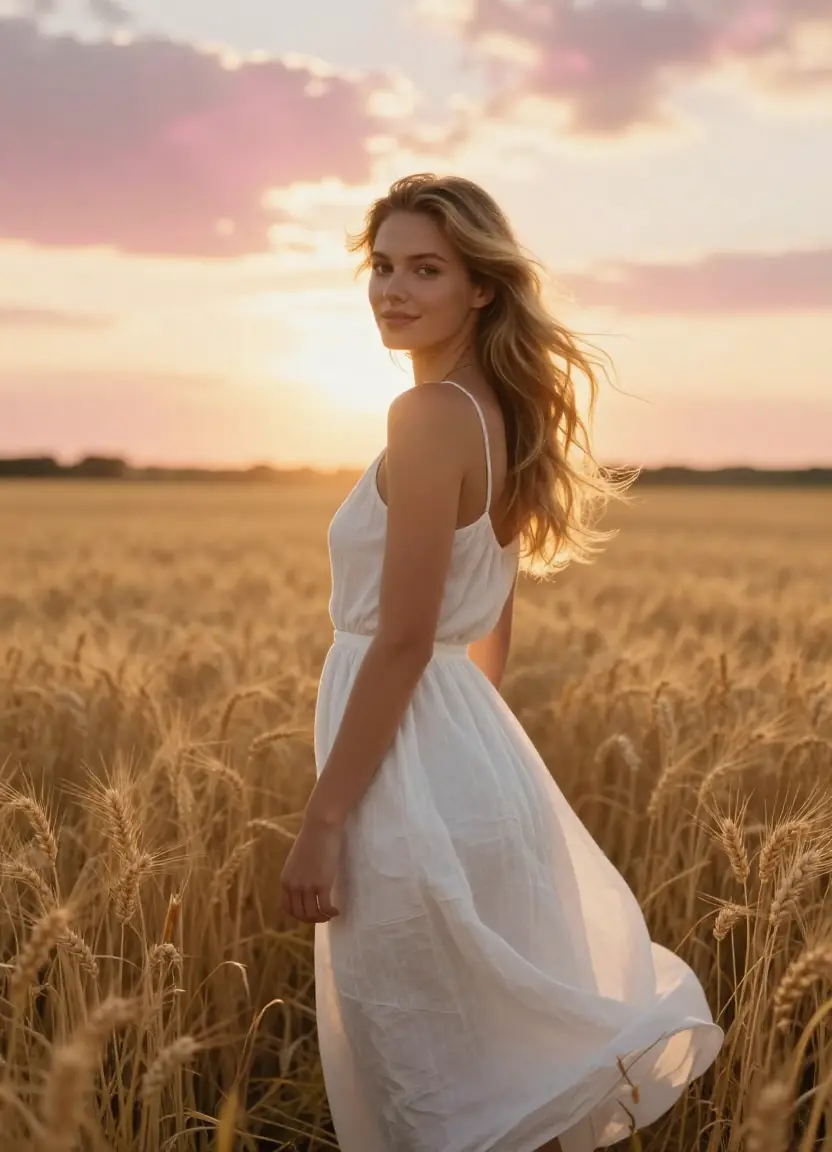
Image Prompt Generator
Professional image prompts with lighting, composition, color, and style dimensions — 7 key aspects covered.
What Is the GenWorldAI Video Generator? The Multi-Modal AI Video Platform
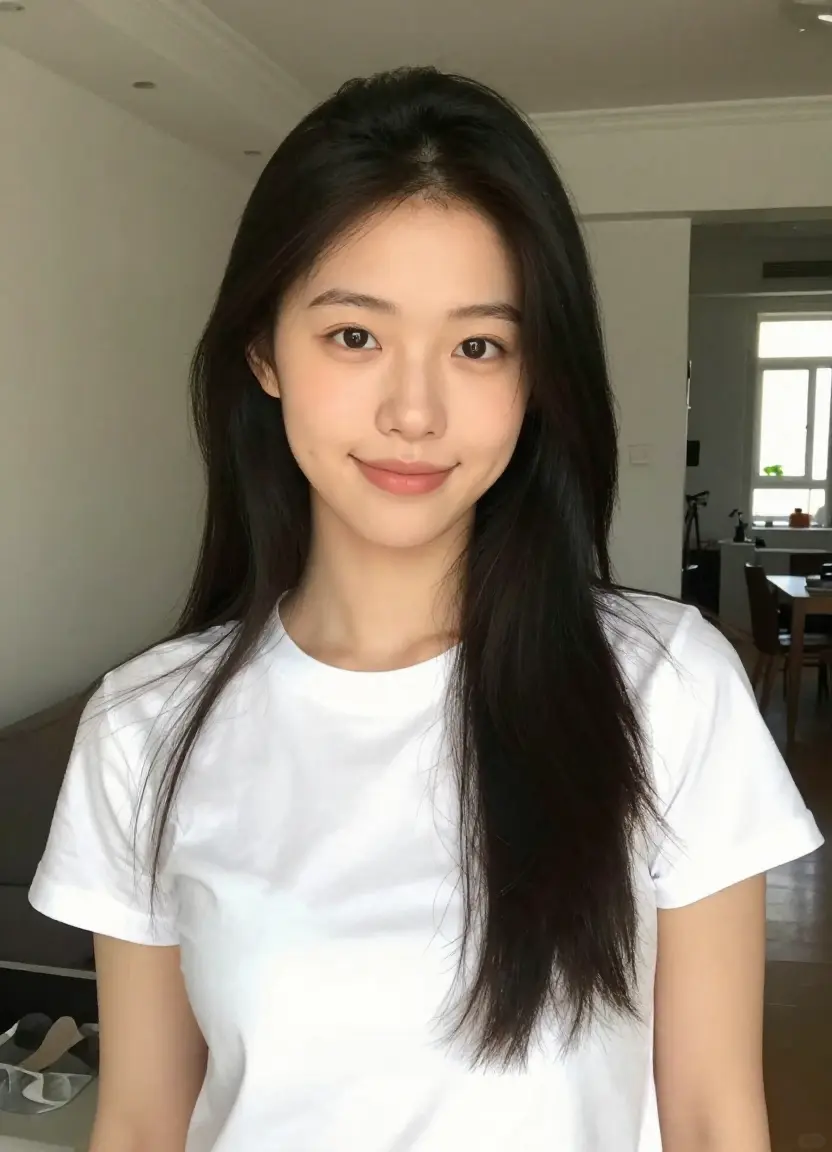
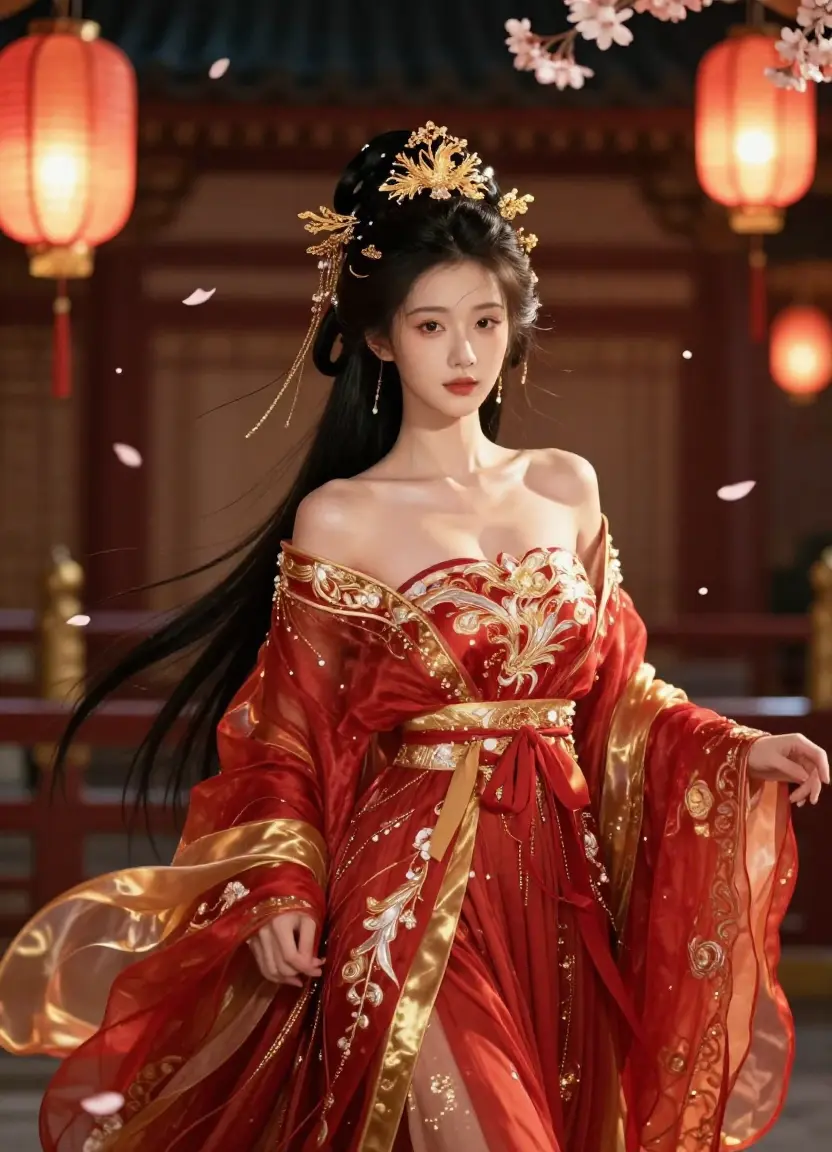
The GenWorldAI video generator is a multi-modal AI video generation platform: it takes a text prompt and, if you like, one or two reference images, and turns them into a 4, 8 or 12 second video at 480p, 720p or 1080p, with generated sound you can switch off. Describe the action, the camera moves and the visual style in the prompt. To keep a character's look, start from an image of them.
Why Choose the GenWorldAI Video Generator for Your AI Videos?
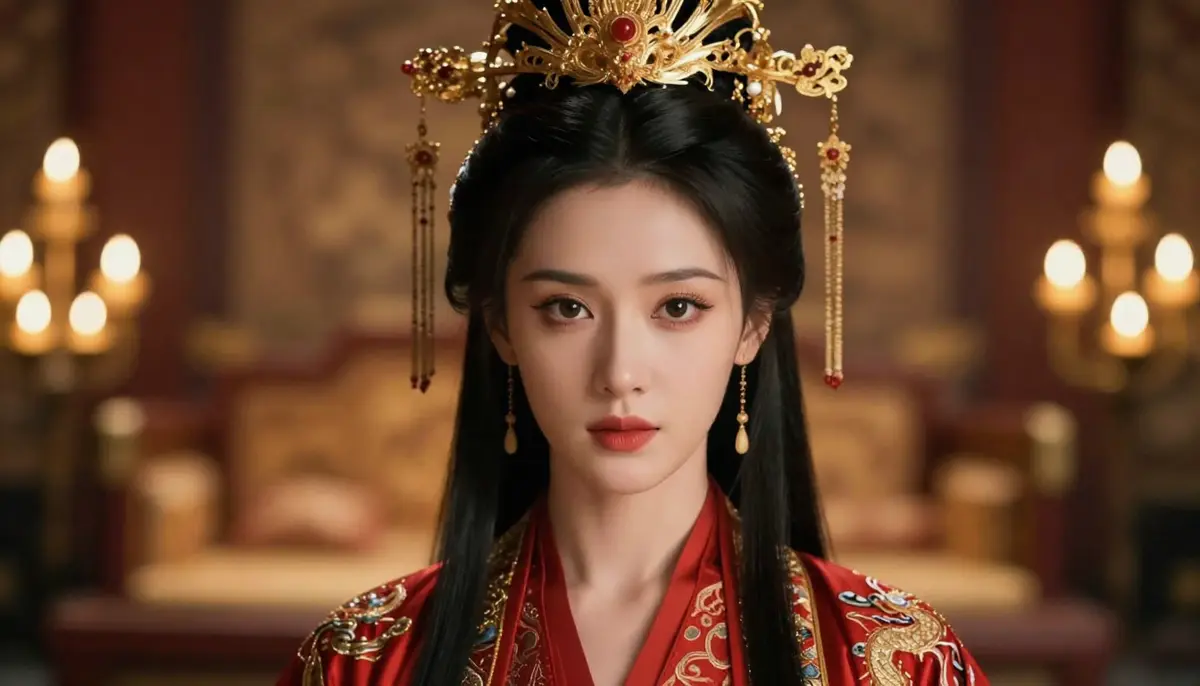
Character Consistency from Your Images
Start from one or two reference images, so the video builds on the face, outfit and style you chose instead of inventing them from text.
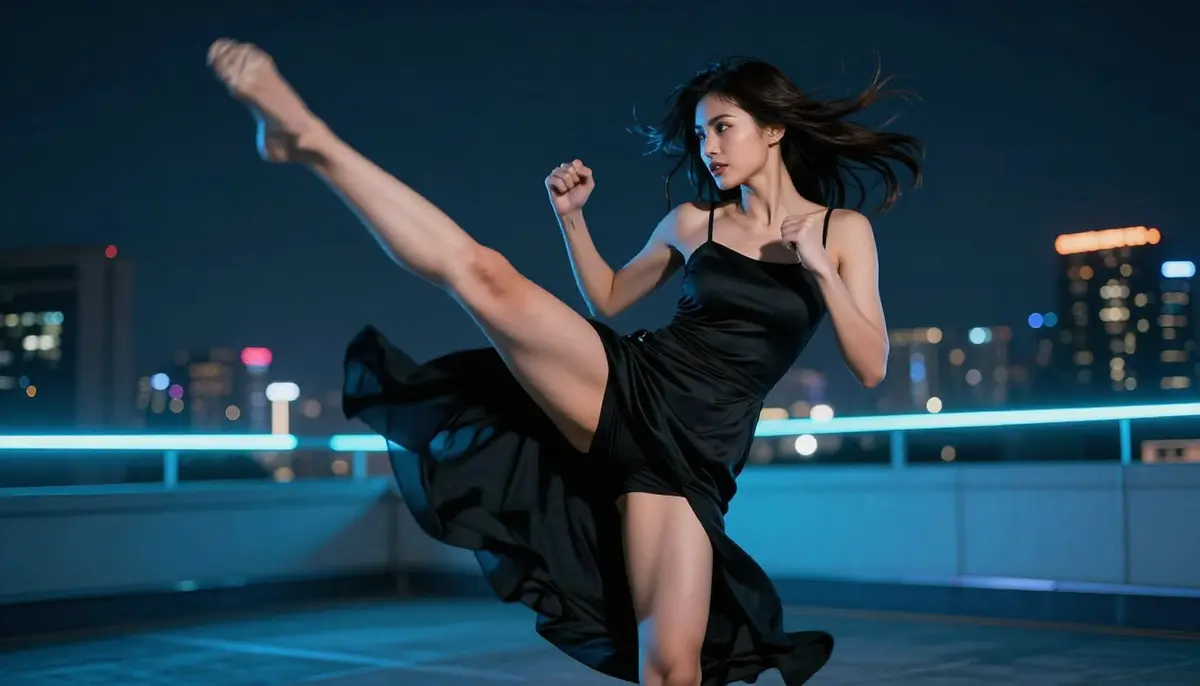
Camera and Motion from Your Prompt
Describe the action and the camera move in plain words, such as a slow dolly in, a pan or a tracking shot. There are no separate camera controls to learn.
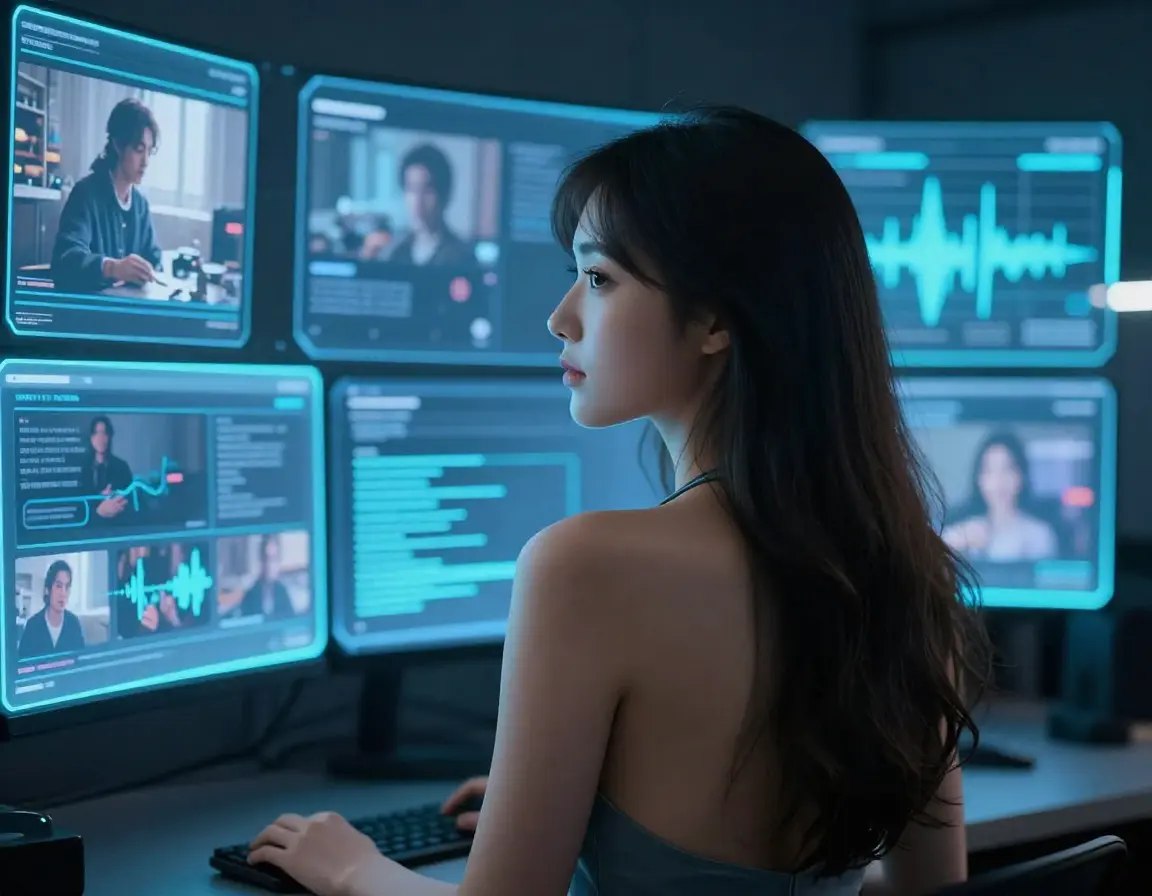
Text and Image Input
Write a prompt of up to 2,500 characters and add one or two reference images, or none for text to video.
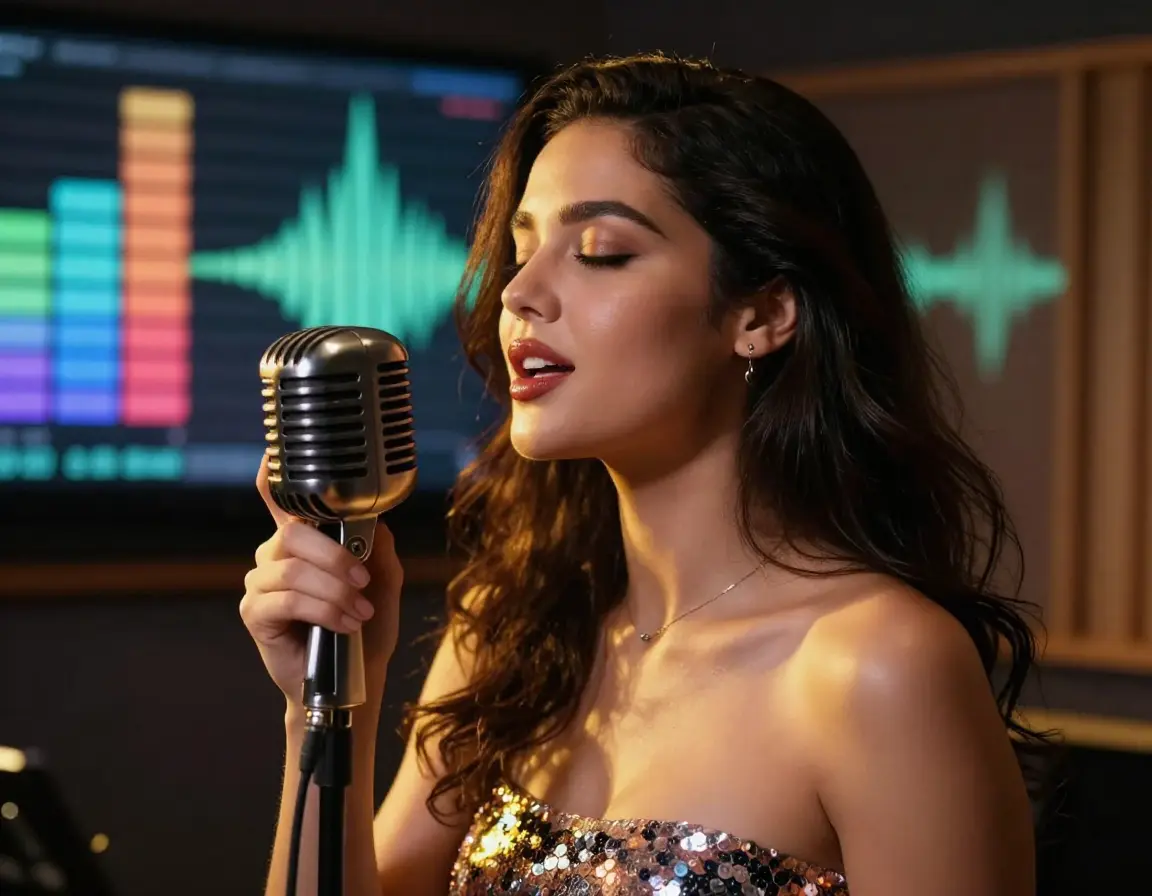
Built-in Sound
Generated sound is on by default and made with the video. It costs 25% more credits; switch it off if you'll add your own.
No Watermark After Any Purchase
Free accounts download with a GenWorldAI watermark. Any plan or credit pack removes it, also from videos you made before.
How to Use the GenWorldAI Video Generator in 3 Easy Steps
Add Your Images (Optional)
Add one or two reference images (JPG, PNG or WebP, up to 10 MB each), or skip this step to make a video from text alone.
Describe Your Vision
Describe the scene, the action, the camera move and the mood in plain words. Then pick the length (4, 8 or 12 seconds), resolution, aspect ratio and sound; the credit cost shows on the Generate button.
Download & Share
Your video appears in the History tab when it's ready. Play it there and download it as an MP4. Downloads carry a watermark until your account's first purchase.
GenWorldAI Video Generator Features for Creators
Text and Image Input
A prompt of up to 2,500 characters, plus one or two optional reference images in JPG, PNG or WebP.
Character Consistency
Start from a reference image to give the video a character's face, outfit and style as its starting point, rather than leaving them to the prompt.
Motion and Camera Moves
Write the action and the camera move into the prompt, for example a slow push in or a tracking shot. There is no separate camera control.
One-Click Generation
Pick the length, resolution, aspect ratio and sound, then click Generate. The credit cost is shown on the button before you start.

History and Downloads
Every video lands in the generator's History tab, where you can play it again and download it as an MP4.
Social Media Ready
Six aspect ratios: 16:9 for YouTube, 9:16 for TikTok, Reels and Shorts, plus 1:1, 4:3, 3:4 and 21:9.
Frequently Asked Questions About the GenWorldAI Video Generator
Have another question? Contact us at support@seedance-2ai.org
What is GenWorldAI?
GenWorldAI is a web app for making short AI videos and images. The video generator turns a text prompt, optionally with one or two reference images, into a 4, 8 or 12 second video at up to 1080p with generated sound. The site also makes images from text, edits images from a prompt, writes video and image prompts, and has free browser tools for video creators.
Is GenWorldAI free to use?
Partly. Browsing the site and the free tools under /tools need no account. Generating needs one, and each new account gets 2 free credits, enough for one image or one prompt. A video costs 20 to 188 credits, so videos need a subscription (from $10 a month, or $60 a year) or a one-time credit pack (from $9.99).
What inputs does GenWorldAI support?
A text prompt of 3 to 2,500 characters and up to two reference images (JPG, PNG or WebP, up to 10 MB each). Without an image you get text to video; with one or two, image to video. Video and audio files can't be used as input.
How to use GenWorldAI for AI video generation?
Write a prompt, add one or two reference images if you want, and choose the length, resolution, aspect ratio and sound. Then sign in and click Generate. The video appears in the History tab when it's ready.
Does GenWorldAI support audio generation?
Yes. Generated sound is on by default and is made together with the video; describe the sounds or dialogue you want in the prompt. Sound on costs 25% more credits, and you can switch it off. You can't upload your own audio.
What video resolutions and lengths are supported?
GenWorldAI makes 4, 8 or 12 second videos at 480p, 720p or 1080p, in 16:9, 9:16, 4:3, 3:4, 21:9 or 1:1.
Are generated videos watermark-free?
Not on a free account. Downloads from an account that has never made a purchase carry a tiled GenWorldAI watermark. After any purchase, a subscription or a credit pack, downloads have no watermark, including videos you made earlier.
Is GenWorldAI open source?
No. GenWorldAI is a hosted web app, not an open-source model. It brings video, image and prompt generation together with one credit balance and a generation history.
Ready to Try GenWorldAI, the AI Video Generator?
Sign up without a credit card and get 2 free credits for an image or a prompt. Videos start at 20 credits.
- Secure & Private
- 2 Free Credits on Sign-up
- No Card Needed to Sign Up